How to Fix McAfee Installation Problems

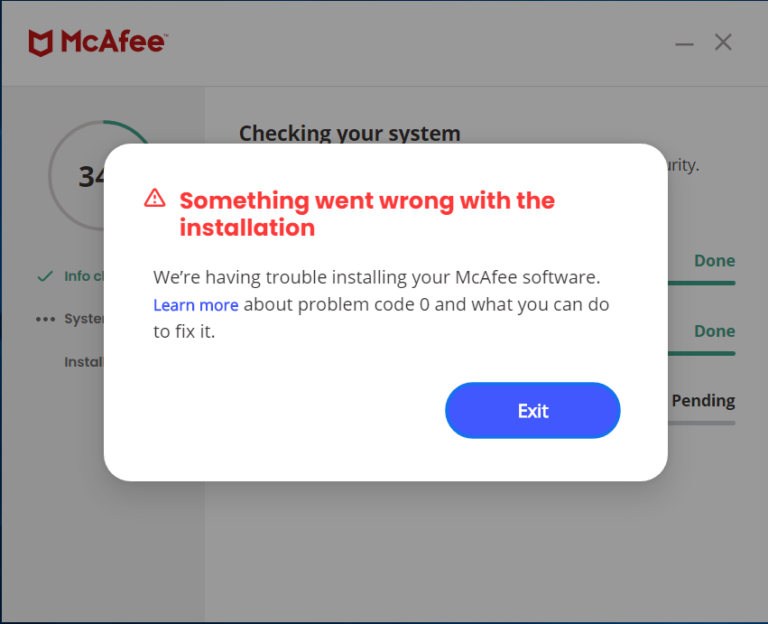
Fix frozen, incomplete, or failed McAfee installations, including error code 0, by removing conflicting antivirus software and cleaning previous McAfee components with MCPR.

Fix frozen, incomplete, or failed McAfee installations, including error code 0, by removing conflicting antivirus software and cleaning previous McAfee components with MCPR.

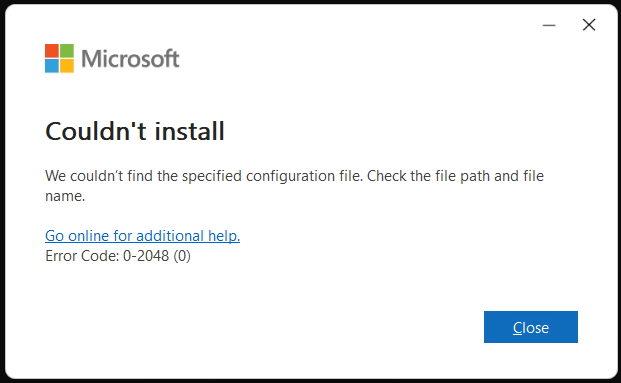
Fix Office LTSC installation error 0-2048 (0) by opening the correct product folder and running setup with the matching XML configuration file.

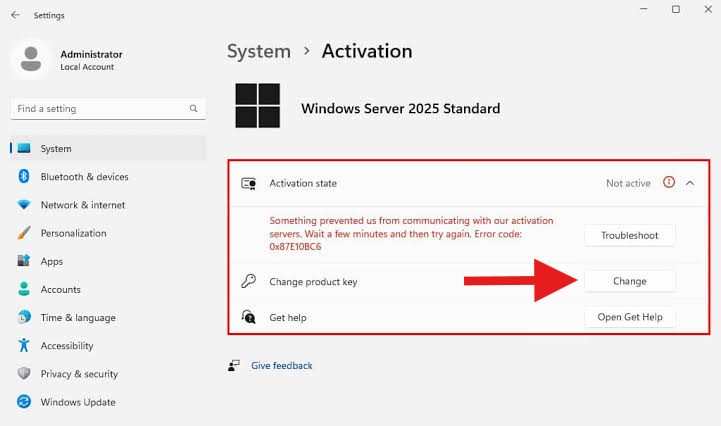
Activate Windows Server 2025 Standard or Datacenter after checking the installed edition, converting Evaluation builds when necessary, and completing online or telephone activation.

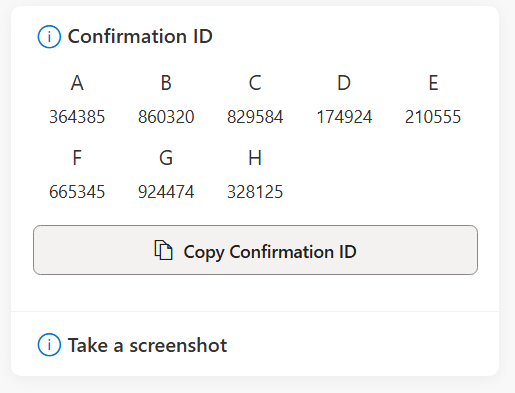
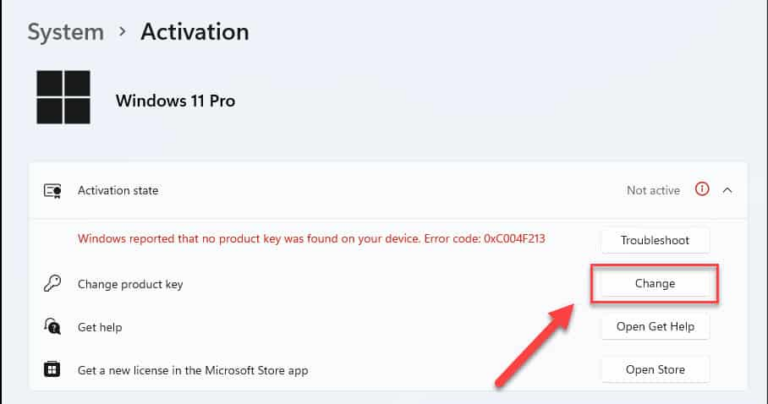
A version-specific guide to activating Windows 11 Home or Pro, including the modern Settings path and the telephone method for obtaining and entering a Confirmation ID.

This guide covers Windows Server 2016, 2019, and 2022: verify or convert an Evaluation edition, enter the correct product key, and complete online or telephone activation.

Learn how to activate Windows 10 with a product key and, when online activation is unavailable, complete telephone activation using an Installation ID and Confirmation ID.

This guide explains how to download, install, and activate Microsoft Office, Project, and Visio LTSC editions. Choose the correct product and version, then follow the shared installation and telephone activation steps.

This guide explains how to download, install, and activate supported Microsoft Office Retail editions from Office 2016 through Office 2024. The installation process is shared across these editions; only the installer selected below changes.